Are you looking to increase your online presence, including Facebook and Twitter, without the hassle of creating content? Doing so is easy and helps drive traffic to your store! Simply share your existing Google Business posts. Here’s how:
Step 1: Locate Your Posts
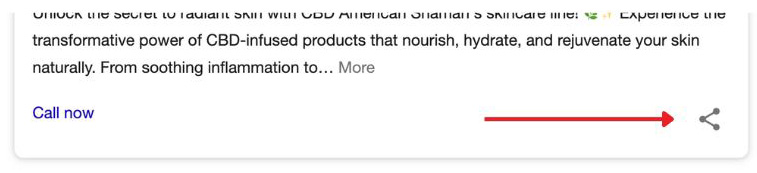
Go to google.com and search for your business and find your Google Business Place listing. Click on the post you wish to share and then click on the share button as illustrated below.
Step 2: Pick Your Platform
Make sure you’re logged into the social media platform to which you’re sharing the post. For example, if you’re sharing to Facebook make sure you’re logged into Facebook under your business page.
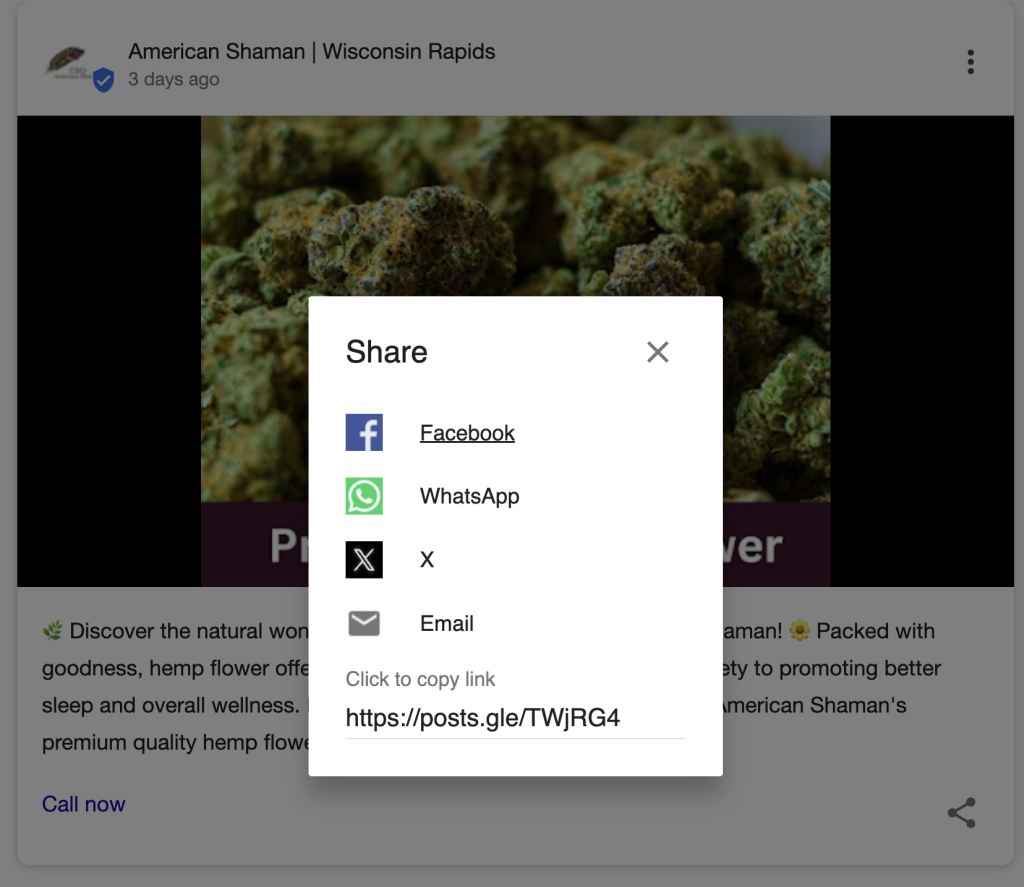
From the pop-up dialog box below, choose which platform you would like to share the post on and click it.
Step 4: Edit Text & Share Post
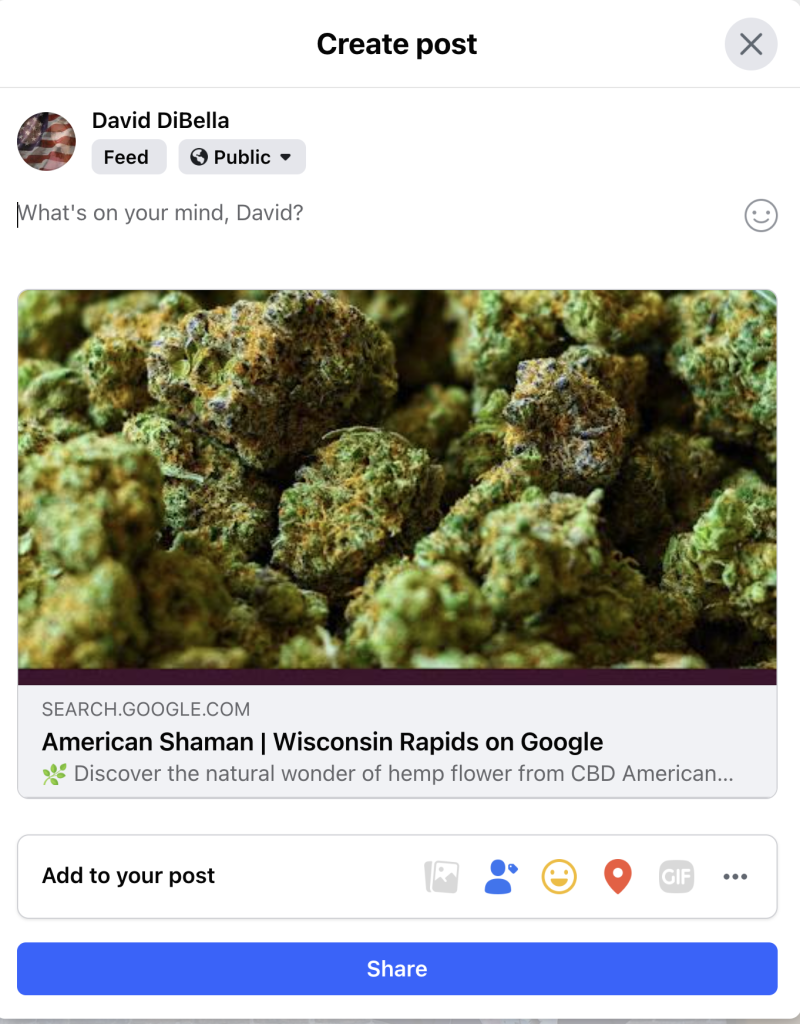
In the dialog box that appears, you will have the ability to edit the post, add your own text, and do platform specific actions like tagging others and adding feelings/emojis.
If you you have any questions, click click the button below and we will be in touch.